 ShiftTable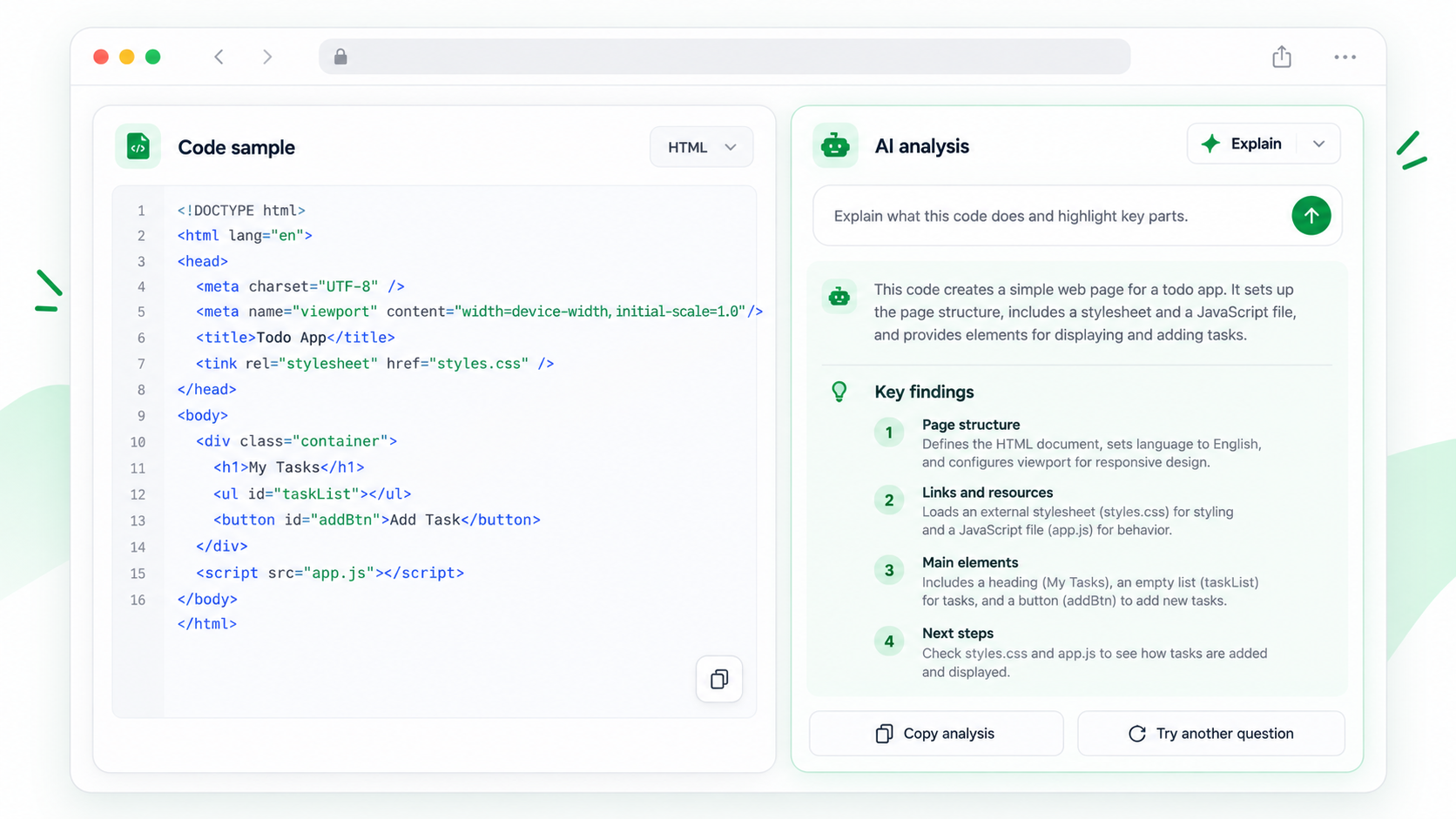
AI is useful for making unfamiliar code legible, but a confident explanation is not a security review. Capture the exact block and ask questions that expose assumptions, dependencies, and failure cases.
Review code with AI
- Capture the code block with Shift + F. Exclude line numbers, output, and unrelated examples.
- Press A to send it to the AI sidebar. Include the language, runtime, and any surrounding setup that the block depends on.
- Ask for a line-by-line explanation, external inputs, side effects, error paths, and a small test plan.
- Follow up about secrets, unsafe parsing, permissions, network calls, and dependency versions.
- Compare the answer with the source and run tests in a controlled environment before applying changes.
Keep explanation separate from modification
Ask AI to explain first, then request a proposed rewrite in a separate step. Review the diff and preserve the original capture so you can compare behavior.
Common questions
AI guessed the language or framework
Keep the page heading and context, then correct the prompt. Do not infer safety from a language label alone.
Can I run the generated fix?
Not directly. Inspect dependencies, file access, credentials, network behavior, and tests before execution.
What makes the review useful?
Ask for evidence from specific lines and for cases the code does not handle. Verify each important claim yourself.
Try it on your next table.
Install ShiftTable, refresh your source page, and press Shift + F to begin.
Add to Chrome