 ShiftTable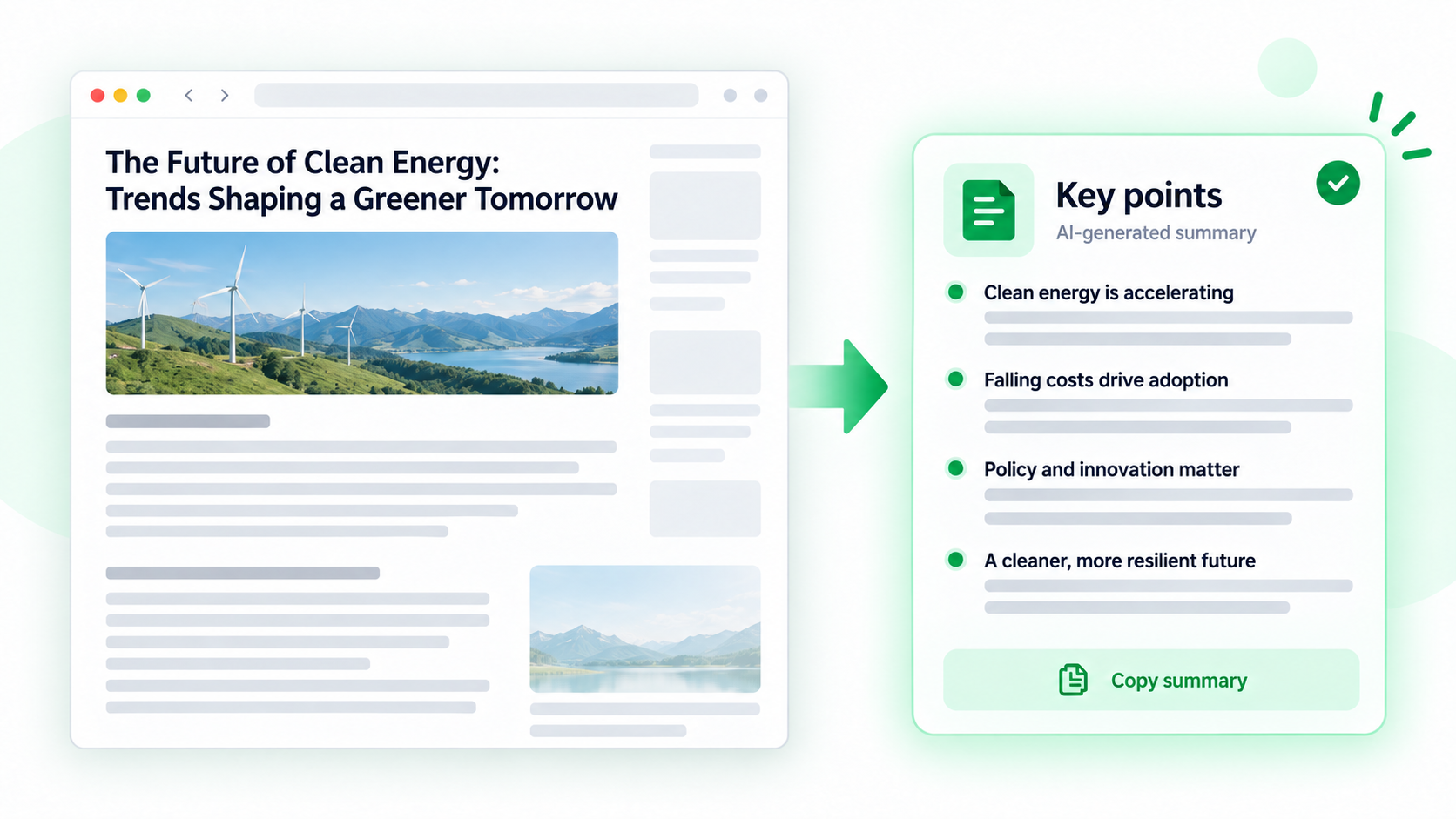
An AI summary is only as reliable as the article text it receives. Capture the body, exclude recommendations and comments, and ask for a structure that makes unsupported claims visible.
Make a useful summary
- Wait for the full article to load, including paginated or expandable sections.
- Hover over the body and press Shift + F. Confirm the selection includes the intended title and text but not page furniture.
- Press A to send it to the AI sidebar. Ask for a short overview, key claims, supporting evidence, assumptions, and unresolved questions.
- For a long article, request section-by-section notes first, then a final synthesis. Keep section names so you can return to the source.
- Check quotations, numbers, dates, and strong conclusions against the original before sharing the summary.
A good prompt has a job
“Summarize this” is vague. Specify the reader, length, whether to preserve uncertainty, and whether every claim should include a section reference.
Common questions
Why did the summary miss an argument?
The capture may have ended early or omitted a second page. Send the missing section separately and ask AI to reconcile the two parts.
Can the summary be treated as a citation?
No. It is a derived explanation. Cite the original article and verify the source wording.
How should conflicting claims be handled?
Ask AI to list them separately, identify who makes each claim, and mark what the article does not establish.
Try it on your next table.
Install ShiftTable, refresh your source page, and press Shift + F to begin.
Add to Chrome