 ShiftTable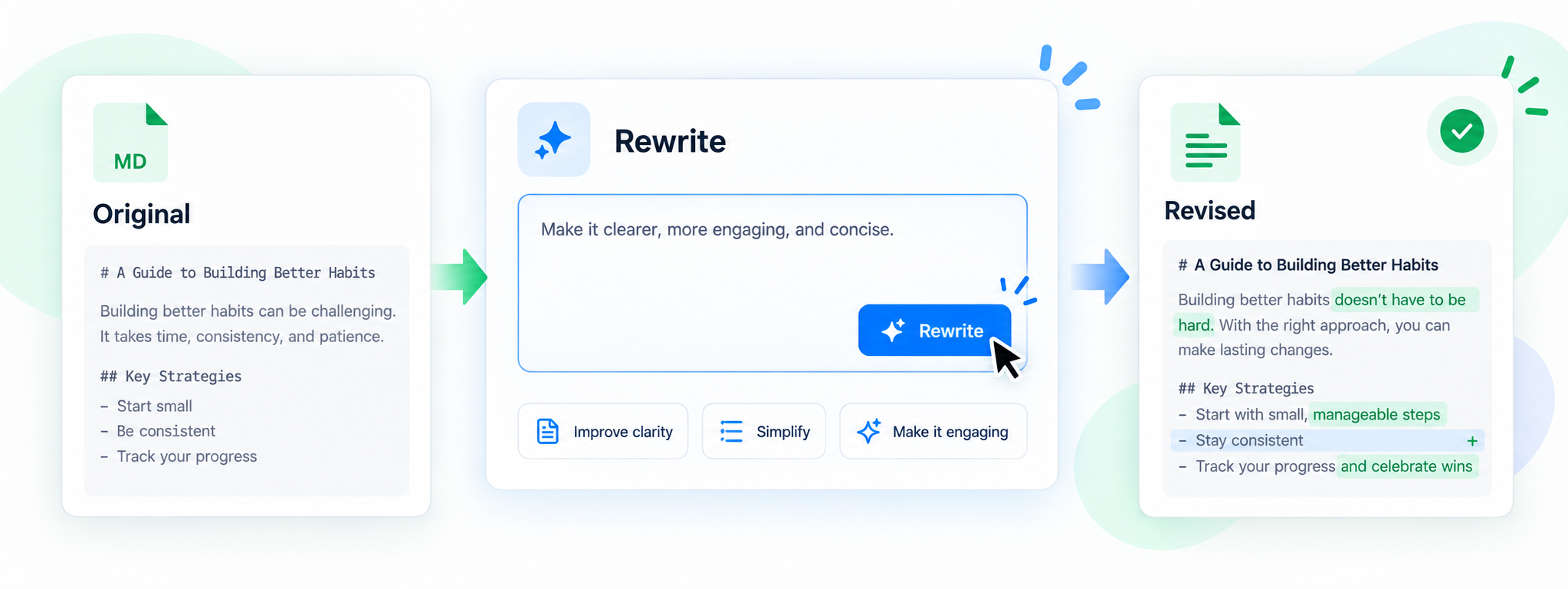
Rewriting is safer when the source and the proposal remain separate. Send a well-bounded capture to AI, describe the audience and desired change, then inspect the result before saving a new version.
Produce a reviewable rewrite
- Capture only the text to rewrite with Shift + F. Exclude navigation, comments, and unrelated examples.
- Press A to send it to the AI sidebar. State the audience, language, tone, length, required facts, and what must not change.
- Ask for a rewrite that preserves headings, links, code, numbers, or placeholders as appropriate.
- Compare the result with the source. Check that caveats, negations, names, dates, and quoted wording survived.
- Save the reviewed output under a new name or copy it to a new destination. Keep the source for rollback.
Style is not permission to change facts
“Make it clearer” should not silently alter claims. Ask AI to flag ambiguous passages instead of inventing missing detail.
Common questions
Why did formatting disappear?
The capture may contain plain text rather than the original document structure. Preserve important links and code separately and rebuild formatting deliberately.
Can AI rewrite confidential text?
Check the active provider and remove details that are not needed for the task.
What is the final check?
Read the new file as its intended audience, then compare facts and omissions with the original.
Try it on your next table.
Install ShiftTable, refresh your source page, and press Shift + F to begin.
Add to Chrome