 ShiftTable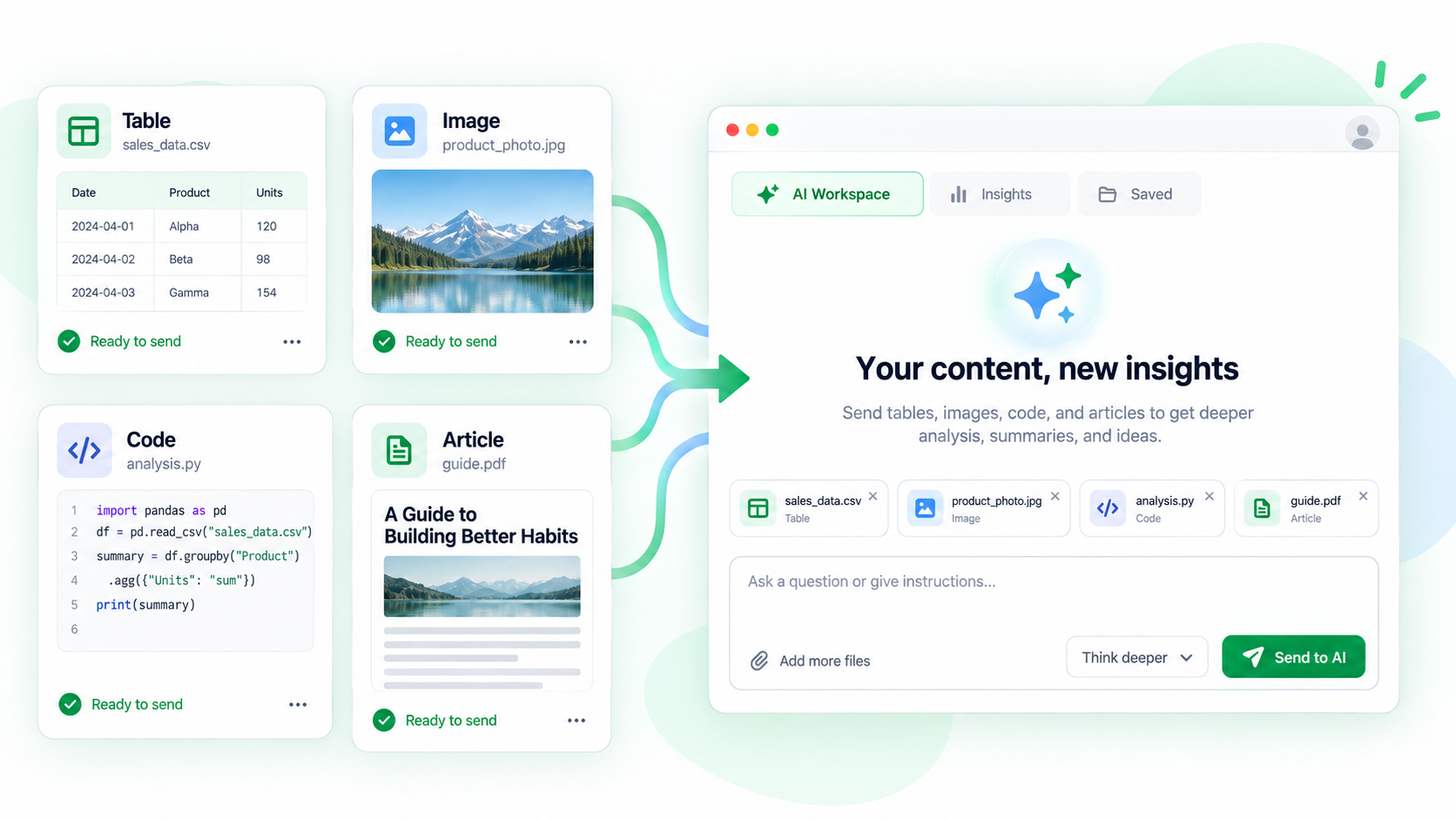
Mixed attachments are useful when a table supplies numbers, an image shows a chart, and text explains the methodology. They are also easy to confuse, so label the resources and send only the set needed for one question.
Build a useful attachment set
- Capture each related resource with Shift + F. Verify the table range, image boundary, or text body separately.
- Send the resources with A and wait for each attachment to appear in the conversation.
- State what each attachment represents: for example, “table = values, image = chart, article = definitions.”
- Ask AI to compare only the requested fields and to identify conflicts instead of silently choosing one source.
- Check every number, label, and conclusion against its original resource before sharing.
Avoid accidental context
Do not attach a whole page just because it contains one useful chart. Navigation, comments, and unrelated tables can change the question AI thinks you asked.
Common questions
Why did AI mix two similar tables?
Give each attachment a name and mention its page or date. Start a new conversation when old attachments make the set ambiguous.
Can an image and table be compared?
Yes, if the image is legible and the table covers the same measure and time period. Ask AI to flag values it cannot read rather than estimate them.
What about private resources?
Remove unnecessary identifiers and confirm the selected provider before sending the combined set.
Try it on your next table.
Install ShiftTable, refresh your source page, and press Shift + F to begin.
Add to Chrome