 ShiftTable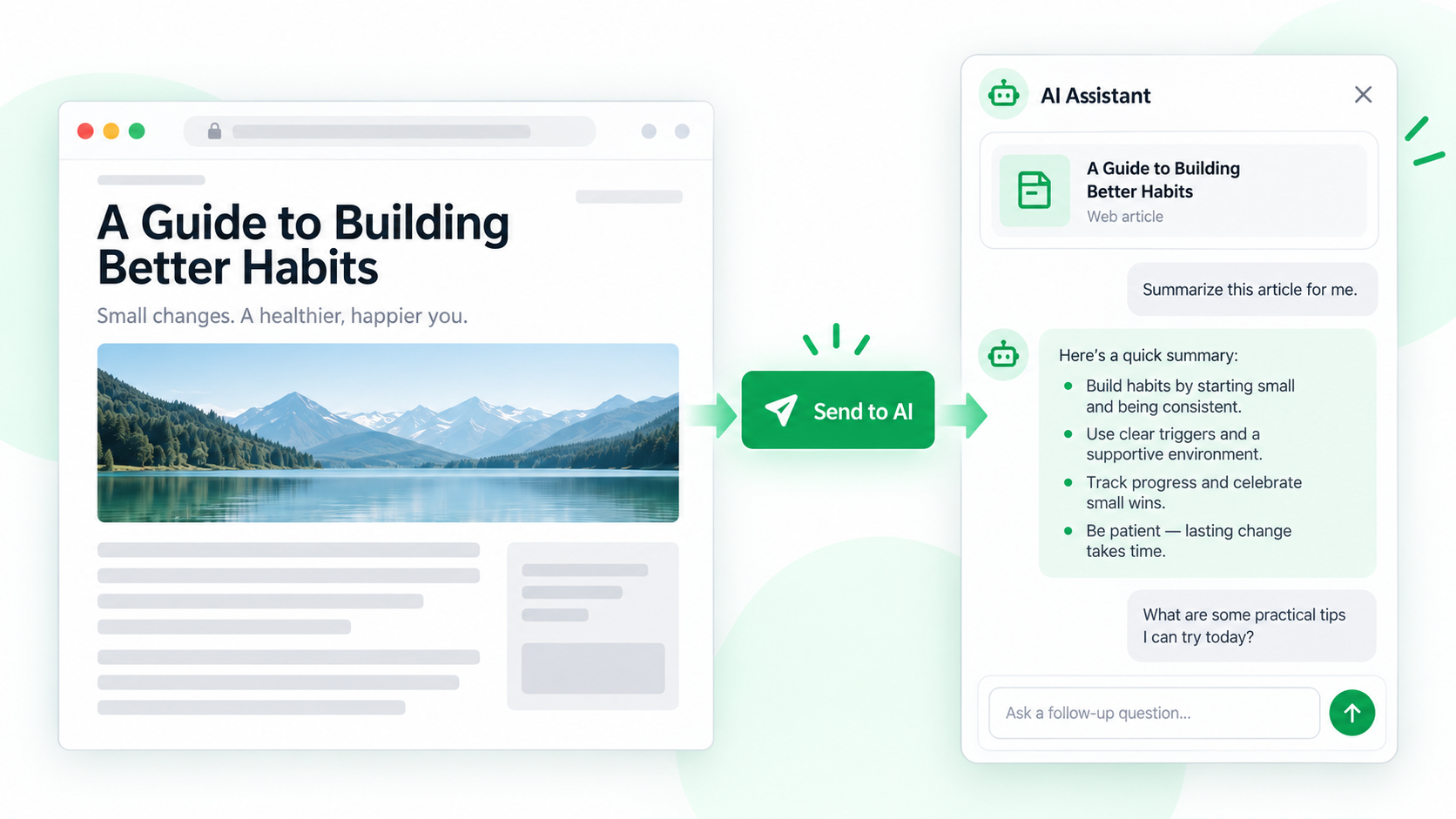
The quality of an AI answer depends on what you send. Selecting the article body instead of the whole page reduces navigation noise and gives the sidebar a clearer source to discuss.
Send an article for discussion
- Wait for the article body and lazy-loaded sections to finish rendering. Exclude comments, recommendations, and unrelated cards when possible.
- Hover over the article and press Shift + F. Check the highlight boundaries before sending anything.
- Press A to send the capture to the AI sidebar. Confirm the active provider and then ask a focused question, such as “List the author’s claims and quote the supporting section.”
- Ask follow-up questions that refer to the same capture: request a timeline, definitions, counterarguments, or an uncertainty list.
- Verify quotations, dates, numbers, and conclusions against the original article before relying on the answer.
What the sidebar can and cannot do
It can organize the captured text, compare statements, and help formulate questions. It does not turn an article into an authoritative source, and it may not see content outside the selected capture.
Common questions
Why does the answer ignore part of the article?
The selected range may end early or omit a paginated section. Capture the missing part or send a narrower, clearly labeled section.
Should I send private articles?
Check the selected provider and your organization’s policy first. Remove confidential text when it is not necessary for the question.
How can I reduce confident mistakes?
Ask the sidebar to separate quoted facts, the author’s interpretation, and its own inference, then verify each important claim in the source.
Try it on your next table.
Install ShiftTable, refresh your source page, and press Shift + F to begin.
Add to Chrome