 ShiftTable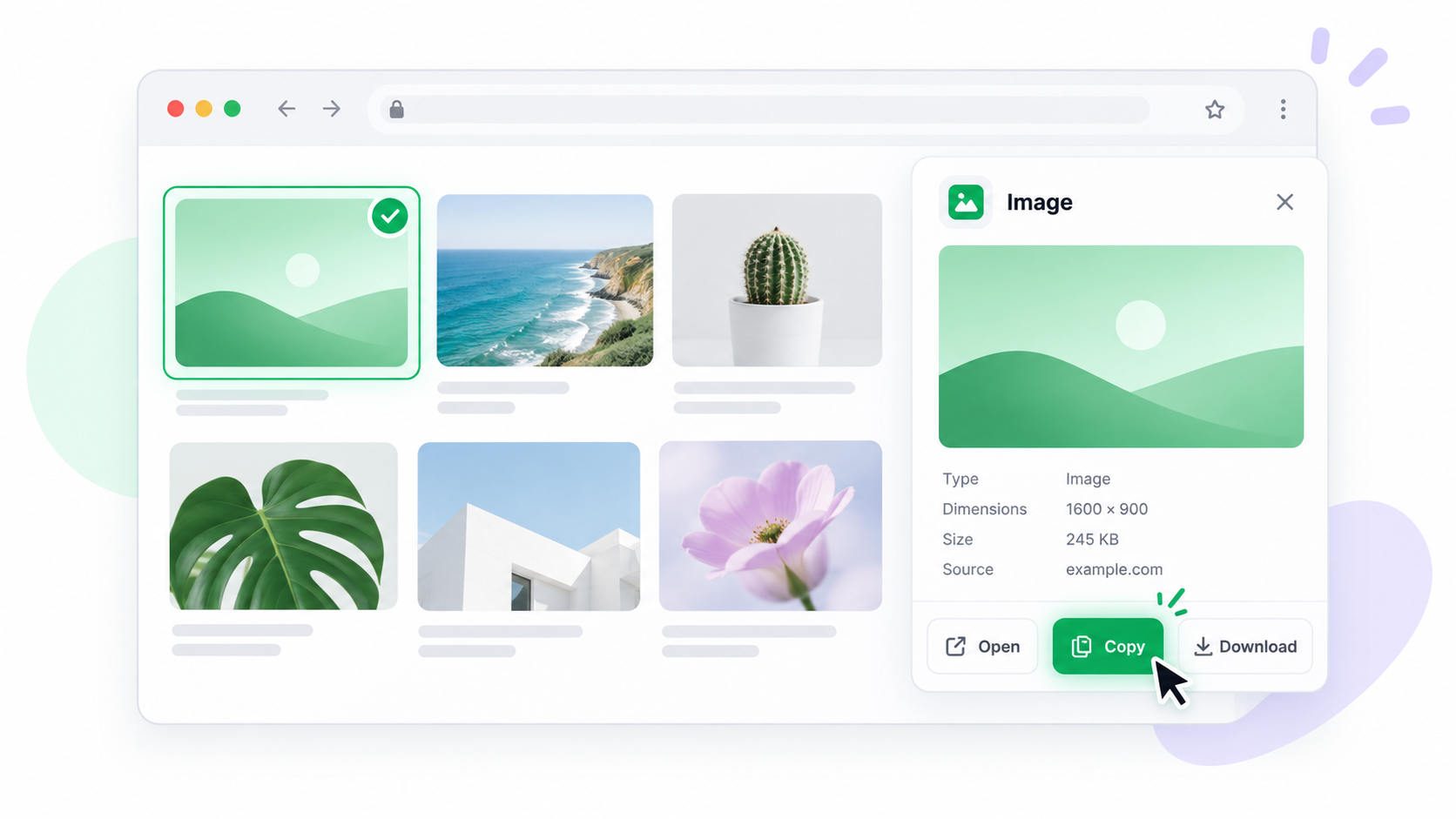
Copying a web image is different from copying the link that points to it. ShiftTable lets you recognize the image first, then choose the copy action while keeping the source page available for verification.
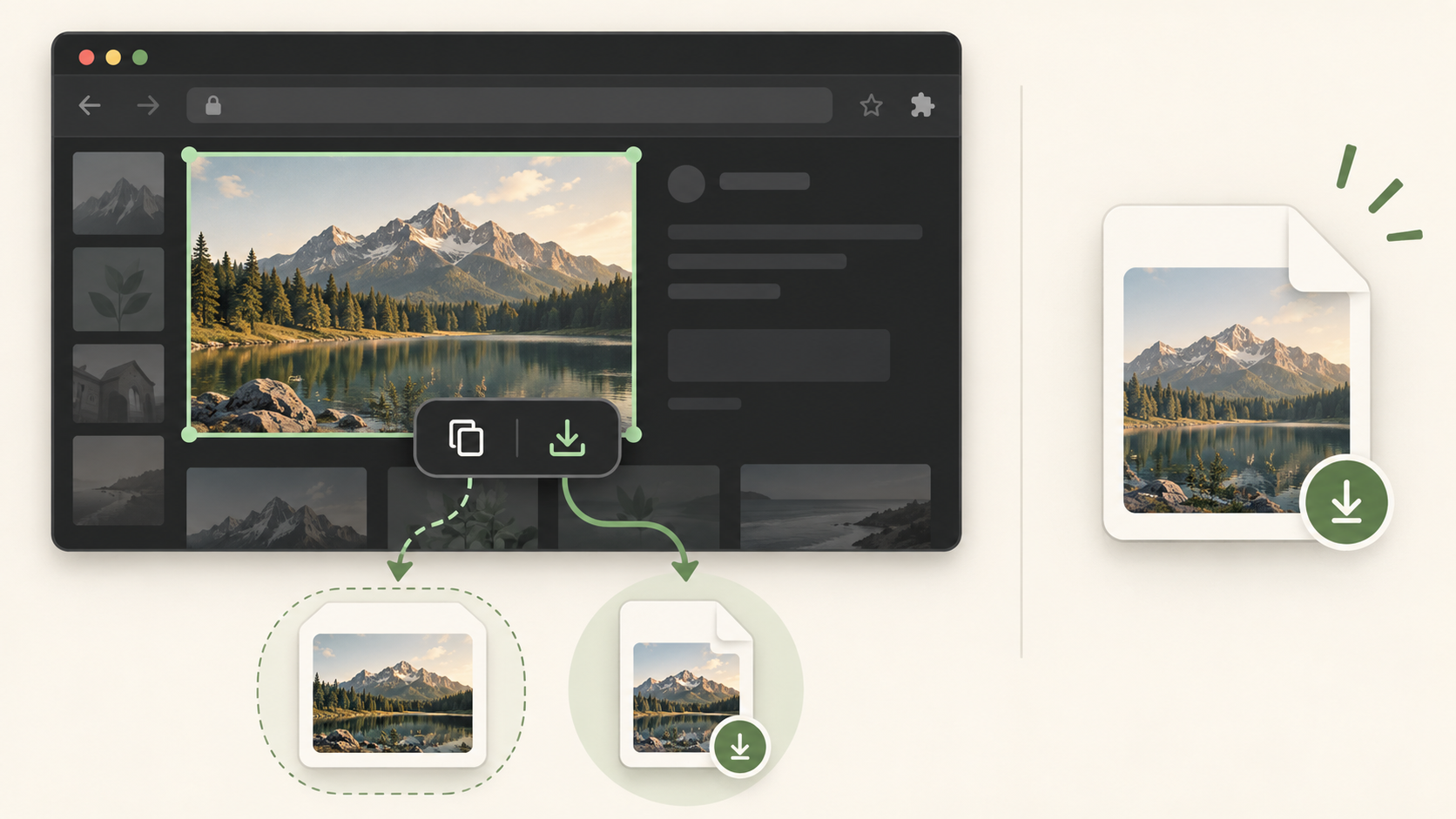
Copy the image
- Refresh the source page and place the pointer over the image itself, not its caption or surrounding card.
- Press Shift + F and inspect the highlighted image boundary.
- Choose Copy in the resource toolbar, then paste into the destination app to see what the browser placed on the clipboard.
- If the destination receives a URL or text instead of image pixels, return to the toolbar and use Download when you need a file.
Cross-origin limits
Some pages expose only a remote image URL or restrict access through permissions, signed URLs, or a referrer. In those cases copying may intentionally fall back to the source link. A downloaded file is not proof that the original image license allows reuse; keep the source and check its rights.
Common questions
Why did paste produce a link?
The page or browser did not expose image data to the clipboard. Use Download for a local file, or open the source URL when a link is what you need.
What to remember
Check the highlighted boundary, test the paste result, and preserve the source URL. Copy is for clipboard use; Download is for a file you can inspect.
Try it on your next table.
Install ShiftTable, refresh your source page, and press Shift + F to begin.
Add to Chrome