 ShiftTable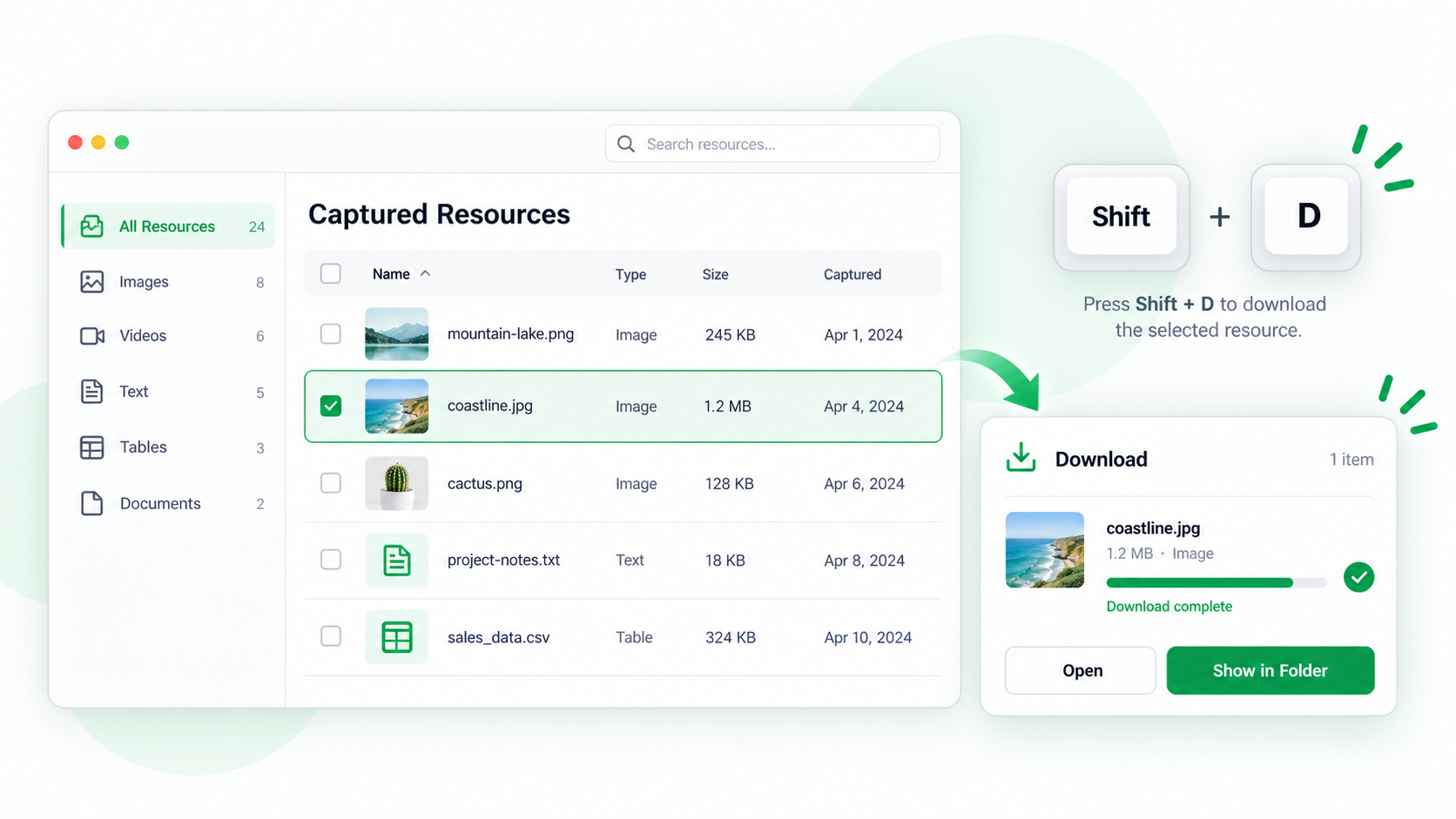
ShiftTable treats download as a capture-then-action workflow. You can wait for the resource toolbar, or use the direct sequence when you already know what should be downloaded.
Use the two shortcut patterns
- Refresh the source page and place the pointer over the table, image, article, code, or video.
- Press Shift + F and inspect the highlighted boundary. Do not press D until the target is the resource you intended.
- Either wait for the toolbar and press D, or press Shift + F + D as one sequence. The latter is useful for quick, repeated downloads.
- Check the browser download result, filename, source, and file type before moving on.
What gets downloaded
Tables are exported as XLSX. Other resources use an appropriate file type when their source and permissions allow it. A playable stream is not necessarily a downloadable file; HLS, DASH, blob, DRM, signed URLs, and protected requests can fail or be unsupported.
Common questions
Why did D do nothing?
Recognition may not have completed, the download toolbar action may be disabled, or the page may provide a protected stream rather than a direct file. Use the two-step pattern, inspect the toolbar, and compare the resource type.
What to remember
Always verify the capture before downloading. The direct sequence saves a keystroke, but it does not bypass permissions, expired URLs, or unsupported video formats.
Try it on your next table.
Install ShiftTable, refresh your source page, and press Shift + F to begin.
Add to Chrome