 ShiftTable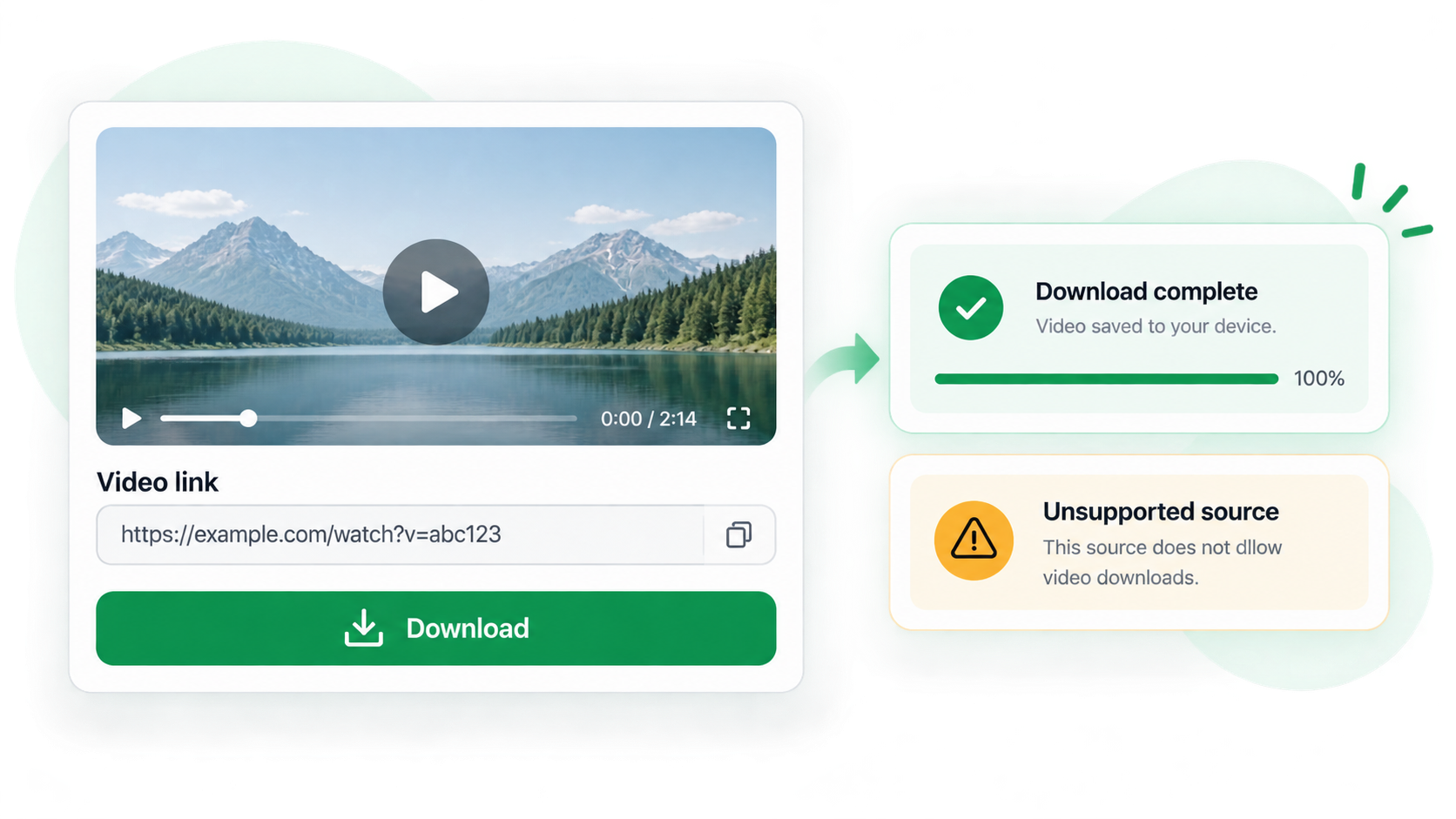
A copied video link is not always a video file. It may point to a manifest, a temporary blob, or a signed request that works only inside the current session. Inspect the resource before deciding that the download failed.
Check a video link
- Hover over the player and press Shift + F. Confirm that the capture targets the video resource, not the poster or container.
- Use C to copy the link for reference or D to try the permitted browser download.
- Check the response type, filename, extension, and size. A manifest or tiny response is not a completed video.
- If the link expires, recapture it from the page when you are authorized to save the media.
- Do not attempt to bypass DRM, login restrictions, signed-request protections, or site download controls.
Why the browser matters
Downloads are handled by the browser’s download manager. Required cookies, headers, redirects, or a protected stream can make a link useful for playback but unusable as a standalone file.
Common questions
The link opens a text file
It may be an HLS or DASH manifest. Keep it as a source reference and use the site’s permitted playback or download path.
The download has no extension
The server may omit a filename or return a temporary response. Inspect the type and rename only after confirming the actual media format.
What is allowed?
Save only media you are authorized to download, and respect terms, copyright, and access controls.
Try it on your next table.
Install ShiftTable, refresh your source page, and press Shift + F to begin.
Add to Chrome