 ShiftTable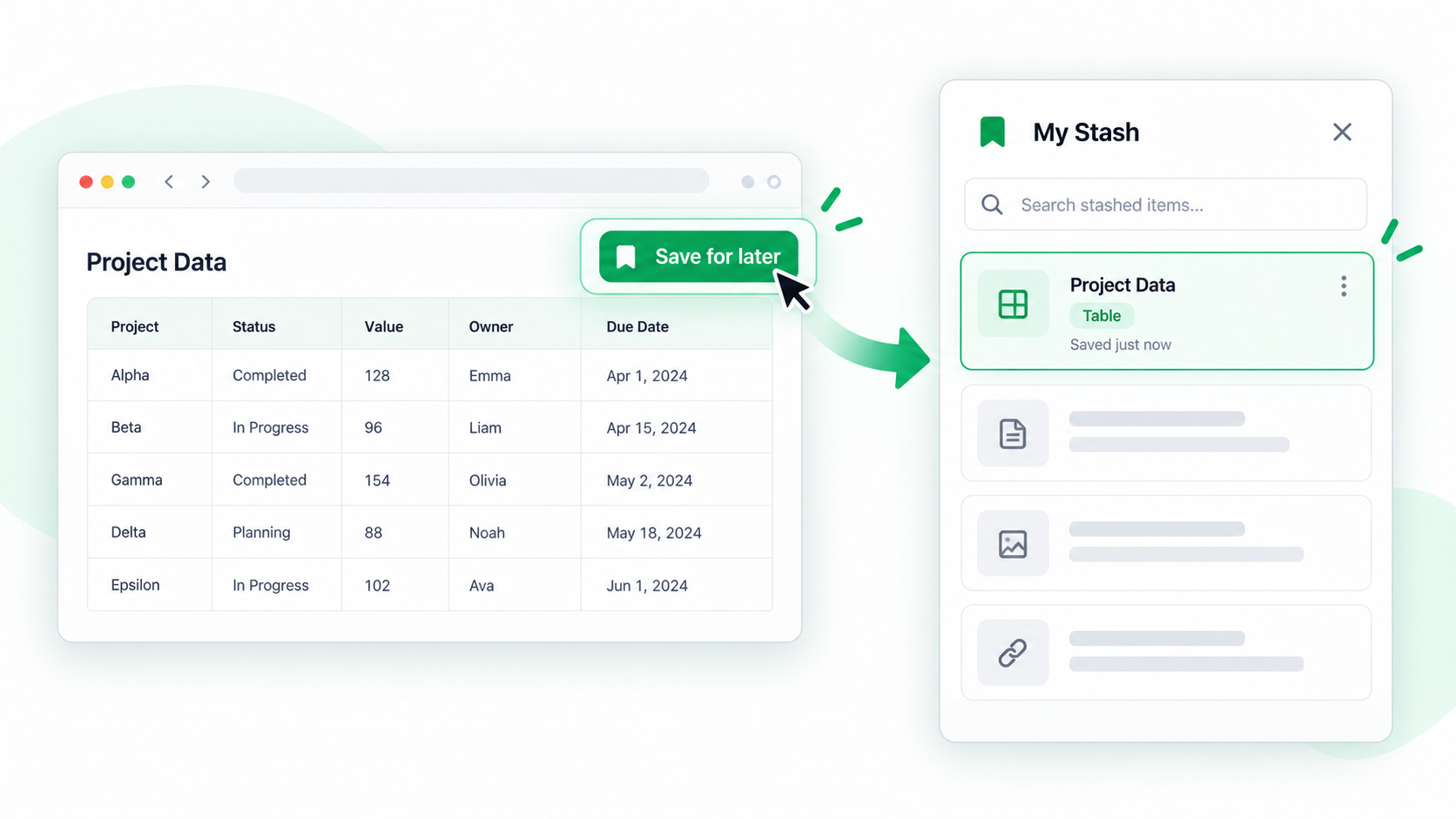
Stashing separates capture from processing. It is useful when you are collecting tables from several pages in the same tab, frame, and site origin, but the table stash expires after about 30 minutes of inactivity and is not a live connection to the website: the saved item represents the capture made at that moment.
Save a table for later
- Wait for the target table to finish loading, including any expanded rows or additional results.
- Hover over the table and press Shift + F. Verify the highlighted range before saving it.
- Choose the stash action. Record the page URL or a short note if you will collect several similar tables.
- Continue browsing. When ready, open the stash in Spreadsheet and compare headers, column order, row counts, and capture dates.
- Filter, edit, merge compatible captures, or export the checked result as XLSX.
What the stash is good for
It is a short-lived collection point for research, paginated reports, and comparison work. It is not a substitute for a source archive; the page may change, expire, or require access again.
Common questions
Does the stash update when the page changes?
No. Capture the table again and compare versions when prices, inventory, rankings, or other live data change.
Why is the saved table incomplete?
The page may not have rendered all rows at capture time. Load more results, recapture, and avoid treating a partial capture as a complete report.
When should I clear an item?
Remove temporary captures after exporting or verifying them, especially when they contain private or time-sensitive information.
Try it on your next table.
Install ShiftTable, refresh your source page, and press Shift + F to begin.
Add to Chrome